 Ovik
Encrypt your files.
Keep your keys.
Ovik is a file encryption vault for macOS. Your files are encrypted locally, stored in your own cloud folder, and accessible only with your password.
Get Ovik on the Mac App StoreRequires macOS 14 Sonoma or later
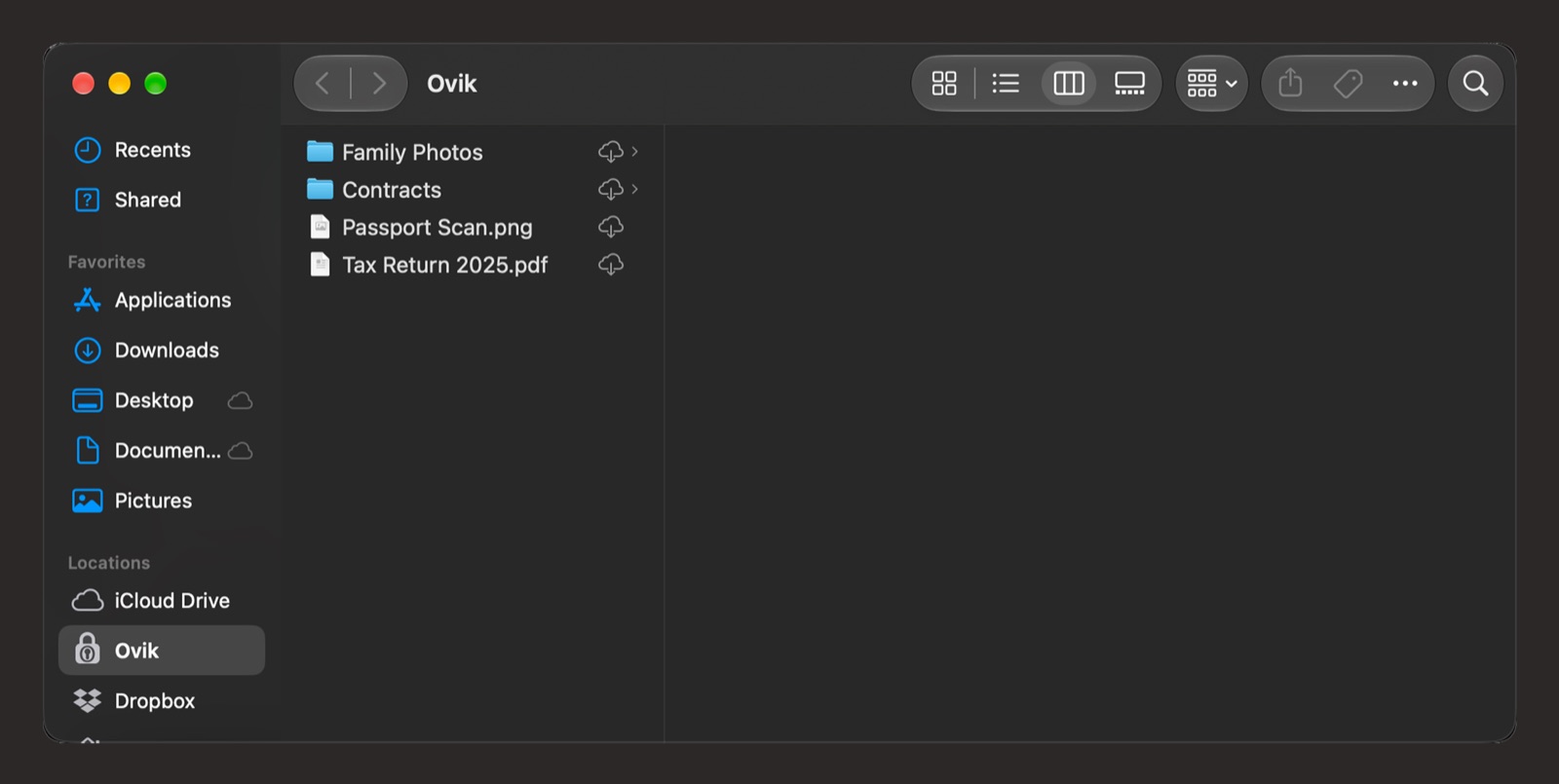
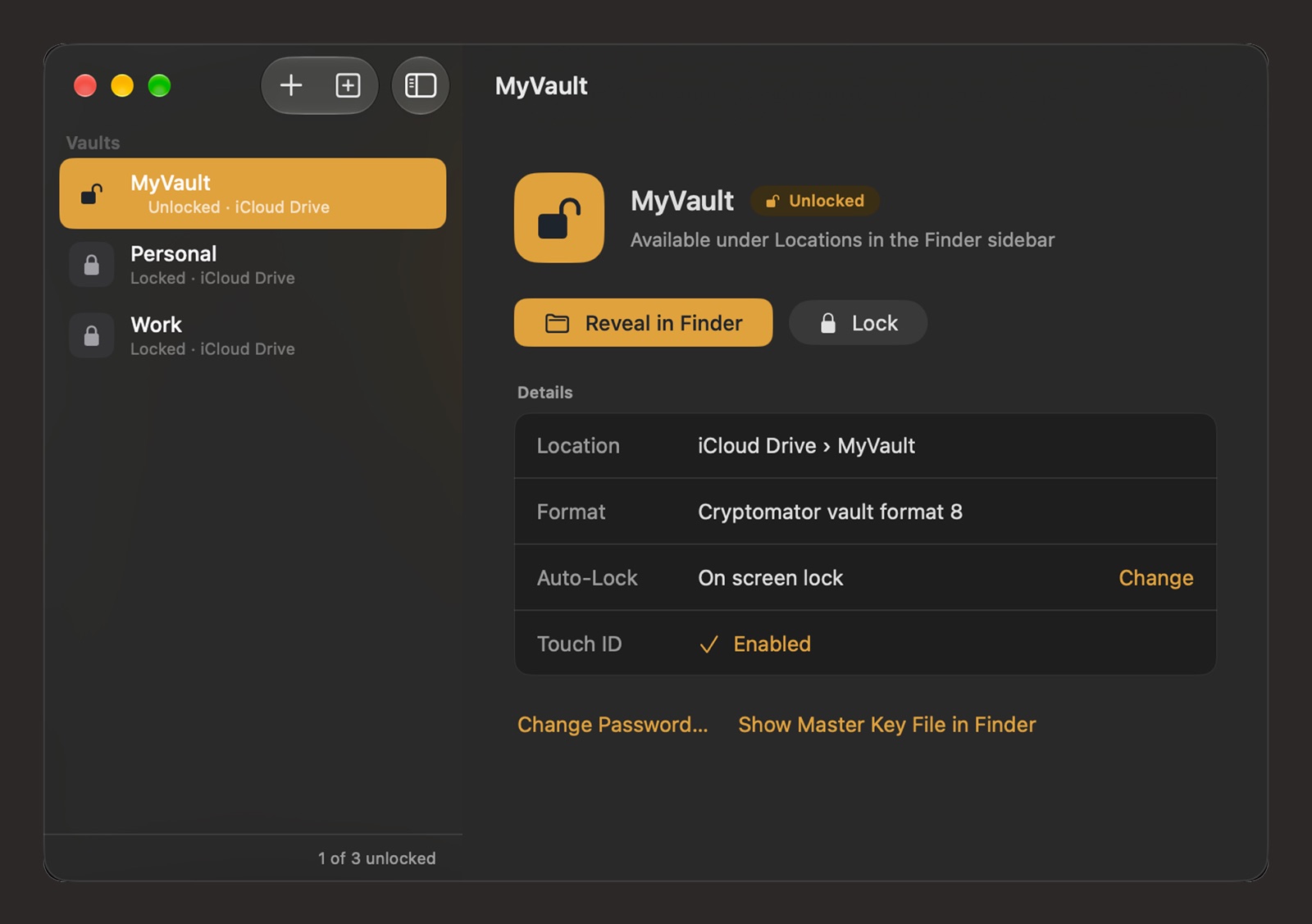
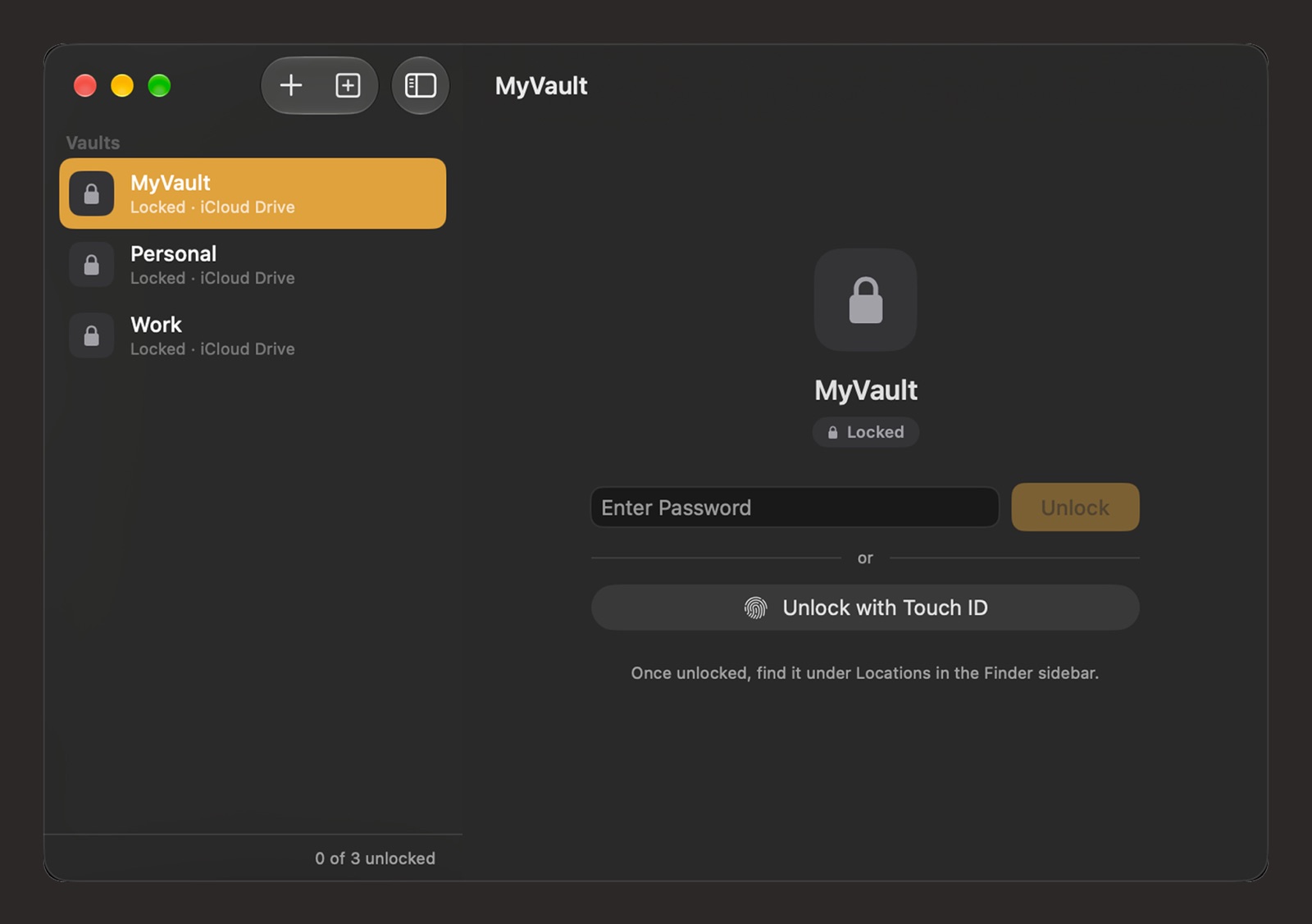
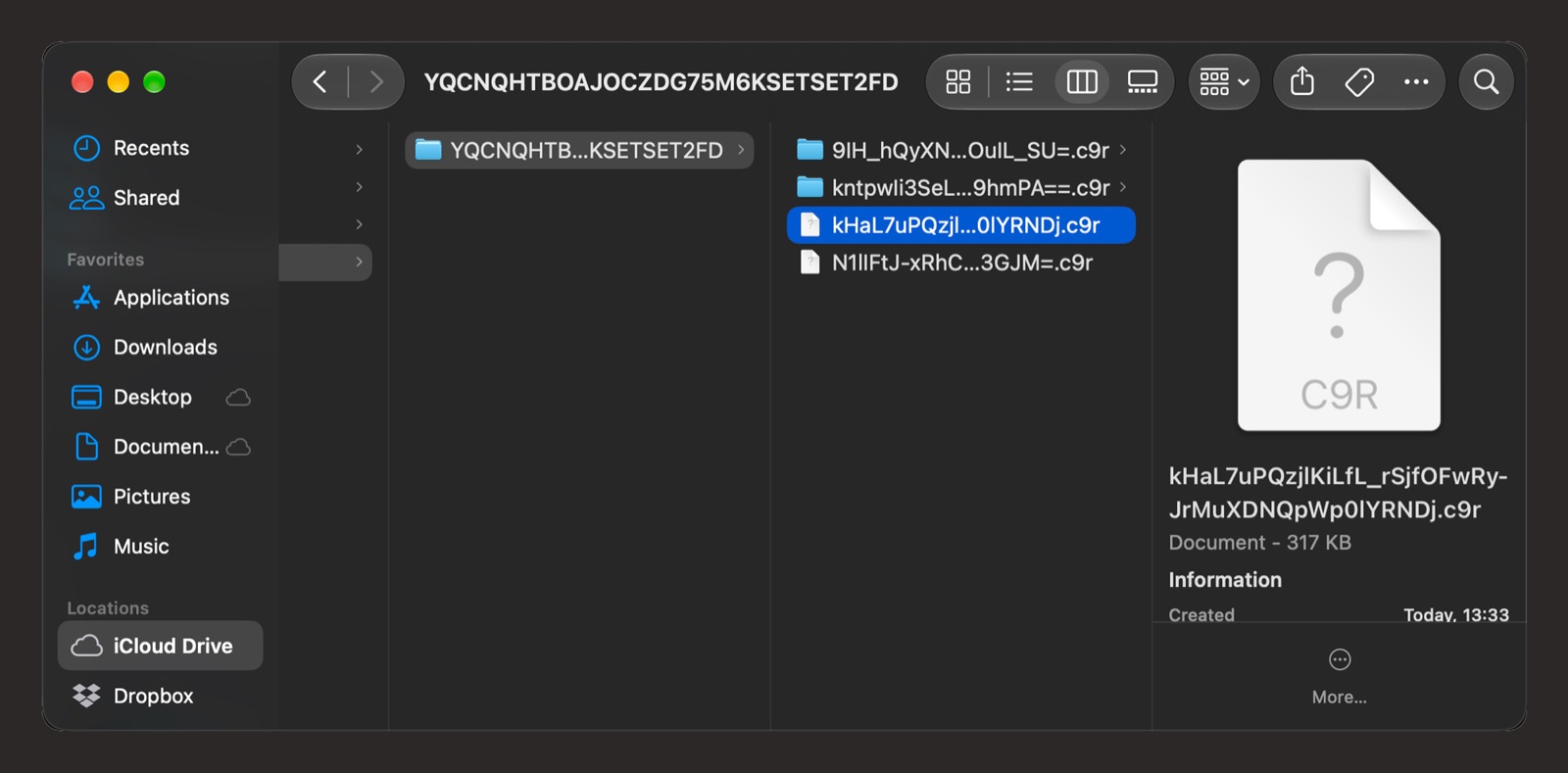
Right there in Finder
Unlock a vault and it appears in the sidebar. Open, edit and save files like in any other folder.
Screenshots show the next update, coming soon to the App Store.
Private by design
Local Encryption
All encryption and decryption happens on your Mac. Your plaintext files and keys never leave it.
Your Cloud, Your Choice
Encrypted files live in your iCloud Drive, Dropbox, Google Drive, or any folder you choose.
Native Finder Integration
Unlock a vault and it appears in Finder. Drag, drop, open, edit — just like any folder.
Open Vault Format
Uses the openly documented Cryptomator vault format. Your data is never locked to a single app.
Why Ovik
Made for the Mac from the ground up.
No drivers to install
Built on Apple's File Provider framework. No kernel extension, no macFUSE, nothing to install besides the app.
Touch ID unlock Next update
After your first password unlock, a fingerprint is all it takes to open a vault again.
Locks when you step away Next update
Vaults lock after the idle time you choose, or when your screen locks or your Mac sleeps.
Cleans up when you lock
Locking removes the vault from Finder, along with the decrypted copies macOS kept while it was open.
Works with Cryptomator vaults
Vaults you made with Cryptomator open in Ovik, and vaults made in Ovik open in Cryptomator on your other devices.
Sandboxed, from the Mac App Store
Ovik runs in Apple's app sandbox, is reviewed by Apple, and updates through the App Store.
How it works
-
Create or open a vault
Pick a folder where encrypted files will be stored.
-
Set a password
This is the only key to your vault. We never see it.
-
Use it in Finder
The vault shows up in the sidebar. Work with your files normally.
-
Lock when done
The vault disappears from Finder. Your files remain encrypted on disk.
No server. No account. No tracking.
Ovik has no server component. It does not require an account, login, or subscription. It does not collect, store, or transmit any user data, analytics, or telemetry. It does not use any tracking or advertising frameworks.
Your encryption keys never leave your device.
Technical details
- AES-256-GCM for file content encryption (NIST SP 800-38D)
- AES-256-SIV for file name encryption (RFC 5297)
- AES Key Wrap for master key protection (RFC 3394)
- scrypt for password key derivation (RFC 7914)
- HMAC-SHA256 for vault configuration signing (RFC 2104)
- All algorithms implemented by open-source RustCrypto libraries
- macOS 14.0 Sonoma or later required
Keep your files yours.
No account, no server, no tracking. Just your files and your password.
Get Ovik on the Mac App StoreRequires macOS 14 Sonoma or later